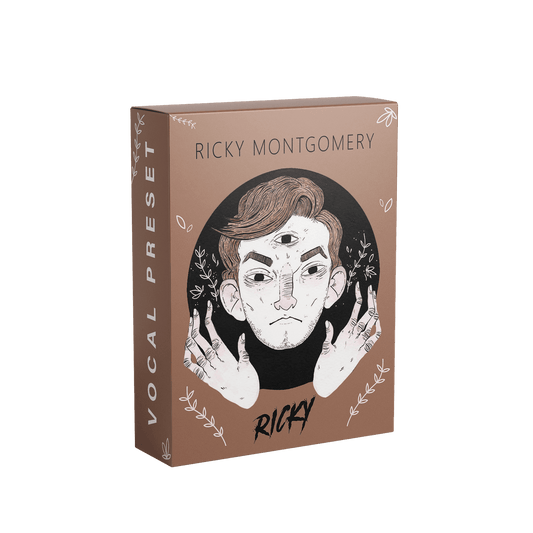
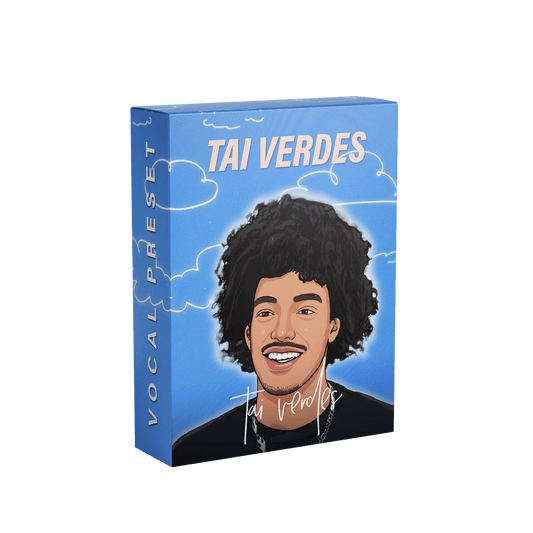
Vocal Presets - Designed for Studio One

Bring professional-grade vocal quality to your Studio One projects with our specially designed vocal presets. Crafted with the unique needs of Studio One users in mind, these presets are the key to elevating your vocal tracks to match the caliber of today's top music artists. Our presets integrate seamlessly with Studio One, offering a straightforward and effective way to enhance your vocal recordings. Installation is quick and easy, allowing you to immediately add depth, clarity, and richness to your vocals without the need for expensive mixing services. Whether you're producing music, recording a podcast, or working on any audio project, our Studio One-compatible vocal presets provide an essential tool for achieving professional-level vocal quality, ensuring your tracks resonate with the exceptional sound and presence that modern listeners demand.

Studio One Vocal Presets

These Studio One vocal presets give you an artist-inspired vocal chain in one load, replacing the trial and error of building EQ, compression and effects by hand. They work for demos, singles and full releases.

Each product in this collection opens with the Studio One version selected and uses stock plugins, so there is nothing else to buy. Your download is ready right after checkout, and the installation guides show you how to add the preset to your session. Start with the Free Vocal Preset or browse the whole vocal preset collection.

Frequently Asked Questions

Studio One vocal presets are pre-built processing chains using Studio One’s stock plugins. These presets apply EQ, compression, reverb, delay, saturation, and other effects to help you achieve a professional vocal mix in seconds.

No. All Studio One vocal presets from Cedar Sound Studios are built entirely with stock PreSonus plugins, so they work right out of the box with no extra purchases or installations required.

These presets are compatible with Studio One Artist and Studio One Professional, as long as you have access to the built-in stock effects. Some functionality may be limited in the Prime (free) version.

After downloading, unzip the file and follow the included instructions. You’ll typically place the preset files into your Studio One “Presets” folder, then load them directly from the Effects section inside your DAW.

Absolutely. These presets are made for artists who want professional results without needing a deep understanding of mixing. Load the preset, press play, and your vocals will sound tighter, cleaner, and more polished instantly.

Yes. Every preset is fully editable within Studio One. You can tweak EQ, compression, reverb levels, and more to fine-tune the sound for your voice or creative style.

Yes. Cedar Sound Studios offers Studio One presets for a wide range of genres like pop, rap, R&B, indie, rock, and more. Each preset is crafted to match the tone and energy of specific vocal styles.

Yes. These presets can be used on lead vocals, harmonies, doubles, and ad-libs. You can even duplicate the preset and adjust settings to create more space or stereo width in layered vocals.

Cedar Sound Studios presets are designed by real engineers who mix vocals daily. Unlike generic built-in chains, these are genre-aware, balanced, and focused on clarity, tone, and vibe.

Yes. Cedar Sound Studios offers a free vocal preset using Studio One’s stock tools. It’s a great way to test the workflow and see how much better your vocals can sound before purchasing a full pack.