

-

Preajuste vocal gratuito
Precio habitual $0.00 USDPrecio habitualPrecio unitario por -

Preajuste vocal de Justin Bieber
Precio habitual $29.99 USDPrecio habitualPrecio unitario por$49.99 USDPrecio de oferta $29.99 USDOferta -

Preajuste vocal de J. Cole
Precio habitual $29.99 USDPrecio habitualPrecio unitario por$49.99 USDPrecio de oferta $29.99 USDOferta -
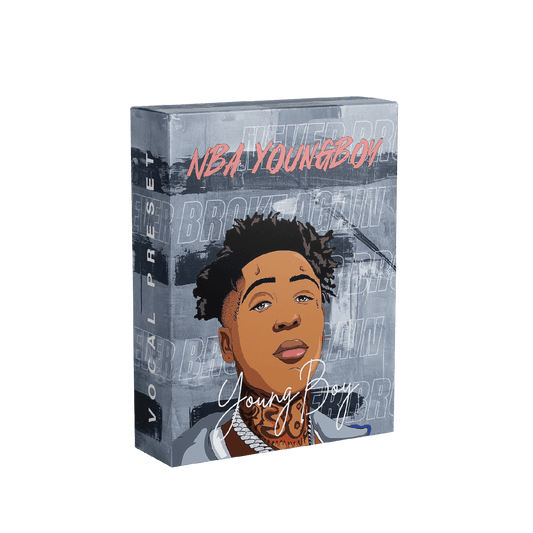
Preajuste vocal de NBA YoungBoy
Precio habitual $29.99 USDPrecio habitualPrecio unitario por$49.99 USDPrecio de oferta $29.99 USDOferta -
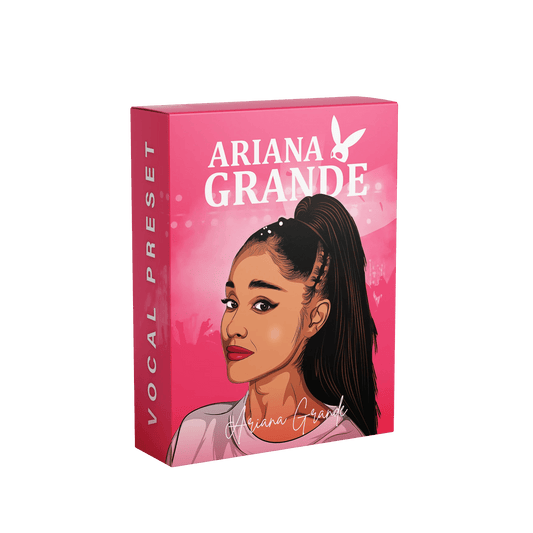
Preajuste vocal de Ariana Grande
Precio habitual $29.99 USDPrecio habitualPrecio unitario por$49.99 USDPrecio de oferta $29.99 USDOferta -

Preajuste vocal de Juice WRLD
Precio habitual $29.99 USDPrecio habitualPrecio unitario por$49.99 USDPrecio de oferta $29.99 USDOferta -
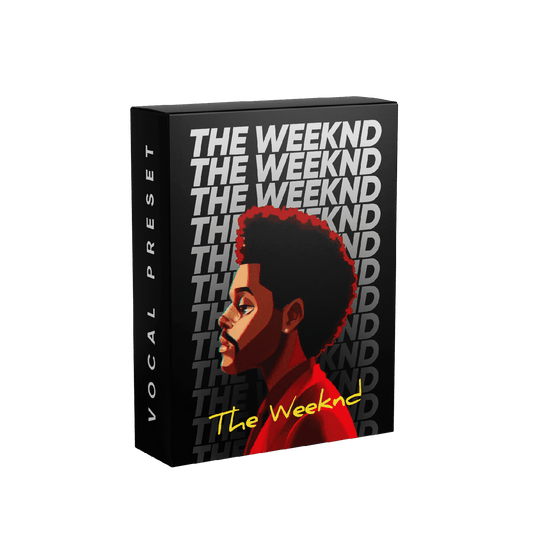
El preajuste vocal de Weeknd
Precio habitual $29.99 USDPrecio habitualPrecio unitario por$49.99 USDPrecio de oferta $29.99 USDOferta -
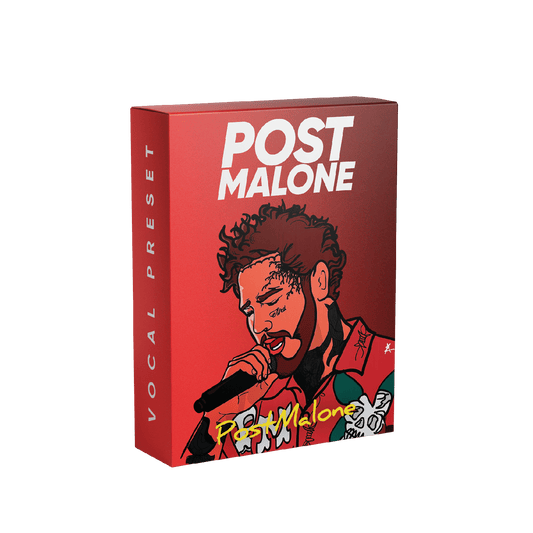
Preajuste vocal de Post Malone
Precio habitual $29.99 USDPrecio habitualPrecio unitario por$49.99 USDPrecio de oferta $29.99 USDOferta -
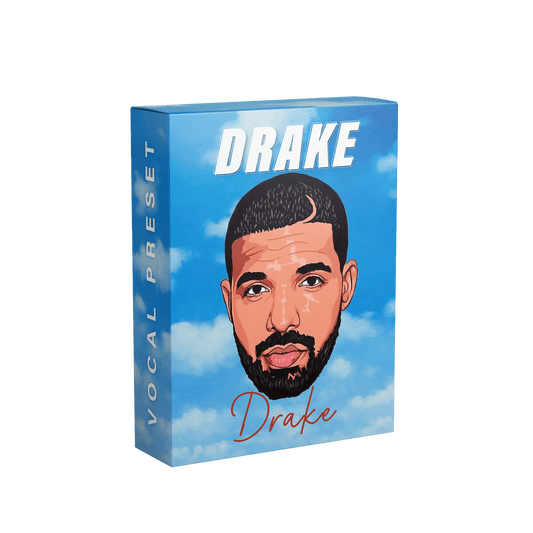
Preajuste vocal de Drake
Precio habitual $29.99 USDPrecio habitualPrecio unitario por$49.99 USDPrecio de oferta $29.99 USDOferta -

Preajuste vocal de $uicideboy$
Precio habitual $29.99 USDPrecio habitualPrecio unitario por$49.99 USDPrecio de oferta $29.99 USDOferta -

Preajuste vocal de cigarrillos después del sexo
Precio habitual $29.99 USDPrecio habitualPrecio unitario por$49.99 USDPrecio de oferta $29.99 USDOferta -
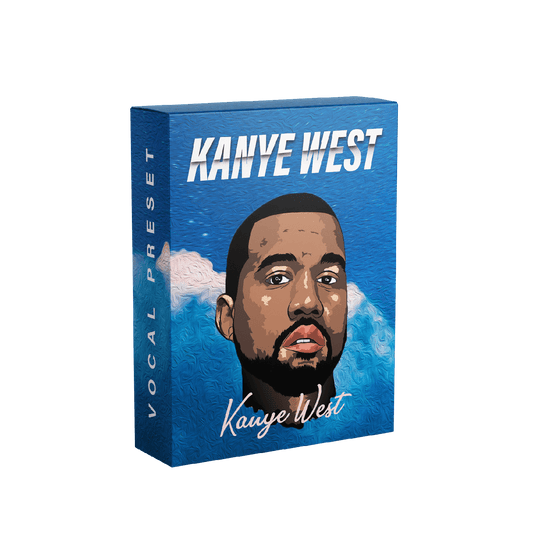
Preajuste vocal de Kanye West
Precio habitual $29.99 USDPrecio habitualPrecio unitario por$49.99 USDPrecio de oferta $29.99 USDOferta -
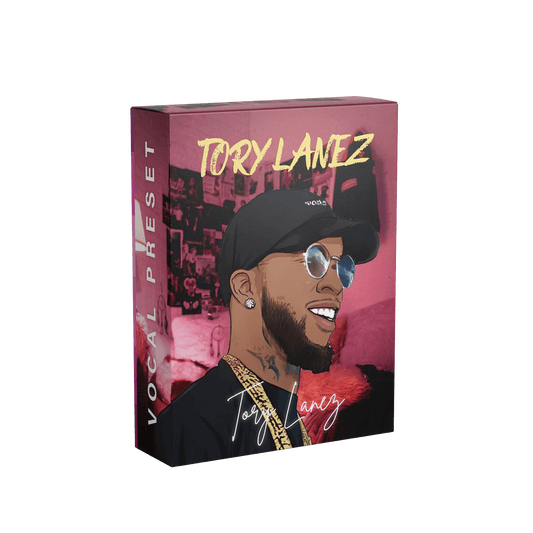
Preajuste vocal de Tory Lanez
Precio habitual $29.99 USDPrecio habitualPrecio unitario por$49.99 USDPrecio de oferta $29.99 USDOferta -
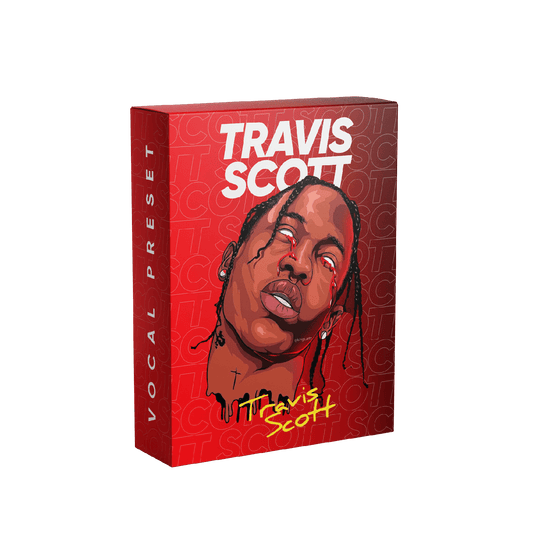
Preajuste vocal de Travis Scott
Precio habitual $29.99 USDPrecio habitualPrecio unitario por$49.99 USDPrecio de oferta $29.99 USDOferta -

Preajuste vocal de Mac Miller
Precio habitual $29.99 USDPrecio habitualPrecio unitario por$49.99 USDPrecio de oferta $29.99 USDOferta -
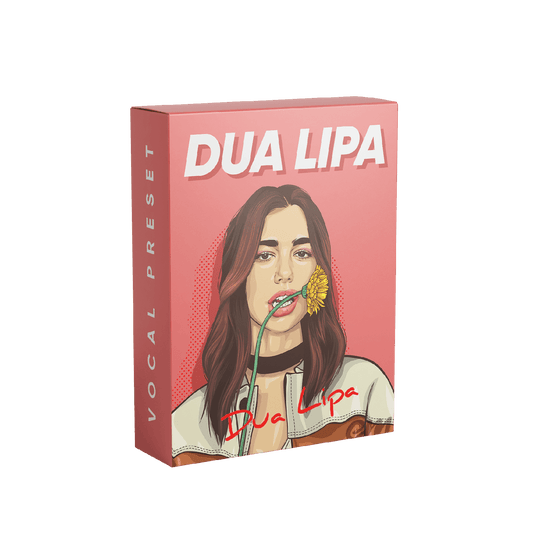
Preajuste vocal de Dua Lipa
Precio habitual $29.99 USDPrecio habitualPrecio unitario por$49.99 USDPrecio de oferta $29.99 USDOferta
Vocal Presets - Designed for Reaper
Reaper Vocal Presets
Reaper is built for flexible, fast workflows, and these vocal presets fit right in. Load an artist-inspired vocal chain, record your take and tweak it to match your voice instead of starting a chain from nothing.
Each product in this collection opens with the Reaper version selected, and the presets use stock plugins so there is nothing extra to buy. Your download is available right after checkout, and the installation guides explain how to add the preset to your project. Hear the sound for yourself with the Free Vocal Preset or browse every vocal preset.