

-

Preajuste vocal gratuito
Precio habitual $0.00 USDPrecio habitualPrecio unitario por -

Preajuste vocal de Justin Bieber
Precio habitual $29.99 USDPrecio habitualPrecio unitario por$49.99 USDPrecio de oferta $29.99 USDOferta -

Preajuste vocal de J. Cole
Precio habitual $29.99 USDPrecio habitualPrecio unitario por$49.99 USDPrecio de oferta $29.99 USDOferta -

Preajuste vocal de NBA YoungBoy
Precio habitual $29.99 USDPrecio habitualPrecio unitario por$49.99 USDPrecio de oferta $29.99 USDOferta -

Preajuste vocal de Ariana Grande
Precio habitual $29.99 USDPrecio habitualPrecio unitario por$49.99 USDPrecio de oferta $29.99 USDOferta -

Preajuste vocal de Juice WRLD
Precio habitual $29.99 USDPrecio habitualPrecio unitario por$49.99 USDPrecio de oferta $29.99 USDOferta -

El preajuste vocal de Weeknd
Precio habitual $29.99 USDPrecio habitualPrecio unitario por$49.99 USDPrecio de oferta $29.99 USDOferta -

Preajuste vocal de Post Malone
Precio habitual $29.99 USDPrecio habitualPrecio unitario por$49.99 USDPrecio de oferta $29.99 USDOferta -

Preajuste vocal de Drake
Precio habitual $29.99 USDPrecio habitualPrecio unitario por$49.99 USDPrecio de oferta $29.99 USDOferta -

Preajuste vocal de $uicideboy$
Precio habitual $29.99 USDPrecio habitualPrecio unitario por$49.99 USDPrecio de oferta $29.99 USDOferta -

Preajuste vocal de cigarrillos después del sexo
Precio habitual $29.99 USDPrecio habitualPrecio unitario por$49.99 USDPrecio de oferta $29.99 USDOferta -

Preajuste vocal de Kanye West
Precio habitual $29.99 USDPrecio habitualPrecio unitario por$49.99 USDPrecio de oferta $29.99 USDOferta -

Preajuste vocal de Tory Lanez
Precio habitual $29.99 USDPrecio habitualPrecio unitario por$49.99 USDPrecio de oferta $29.99 USDOferta -
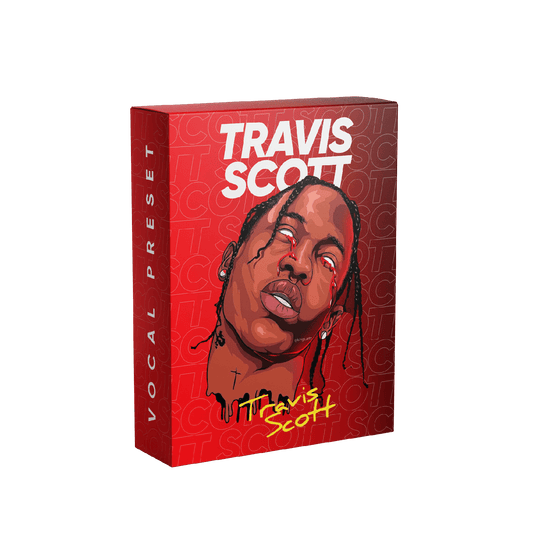
Preajuste vocal de Travis Scott
Precio habitual $29.99 USDPrecio habitualPrecio unitario por$49.99 USDPrecio de oferta $29.99 USDOferta -

Preajuste vocal de Mac Miller
Precio habitual $29.99 USDPrecio habitualPrecio unitario por$49.99 USDPrecio de oferta $29.99 USDOferta -
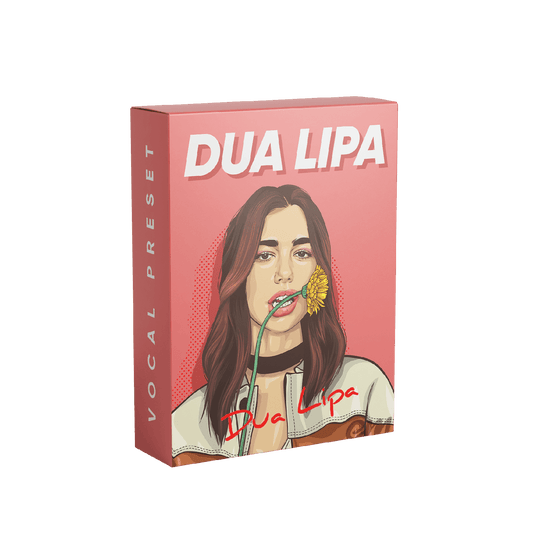
Preajuste vocal de Dua Lipa
Precio habitual $29.99 USDPrecio habitualPrecio unitario por$49.99 USDPrecio de oferta $29.99 USDOferta


Vocal Presets - Designed for Logic Pro
Logic Pro X Vocal Presets
Cedar Sound Studios Logic Pro X vocal presets load an artist-inspired vocal chain into your session, so you can skip the hours of dialing in EQ, compression, reverb and de-essing. Every product in this collection opens with the Logic Pro X version already selected.
The presets are built with stock plugins, which means there is nothing extra to buy. Download your files right after checkout and follow the installation guides to get set up. Want to hear the difference first? Try the Free Vocal Preset or browse every artist vocal preset.