
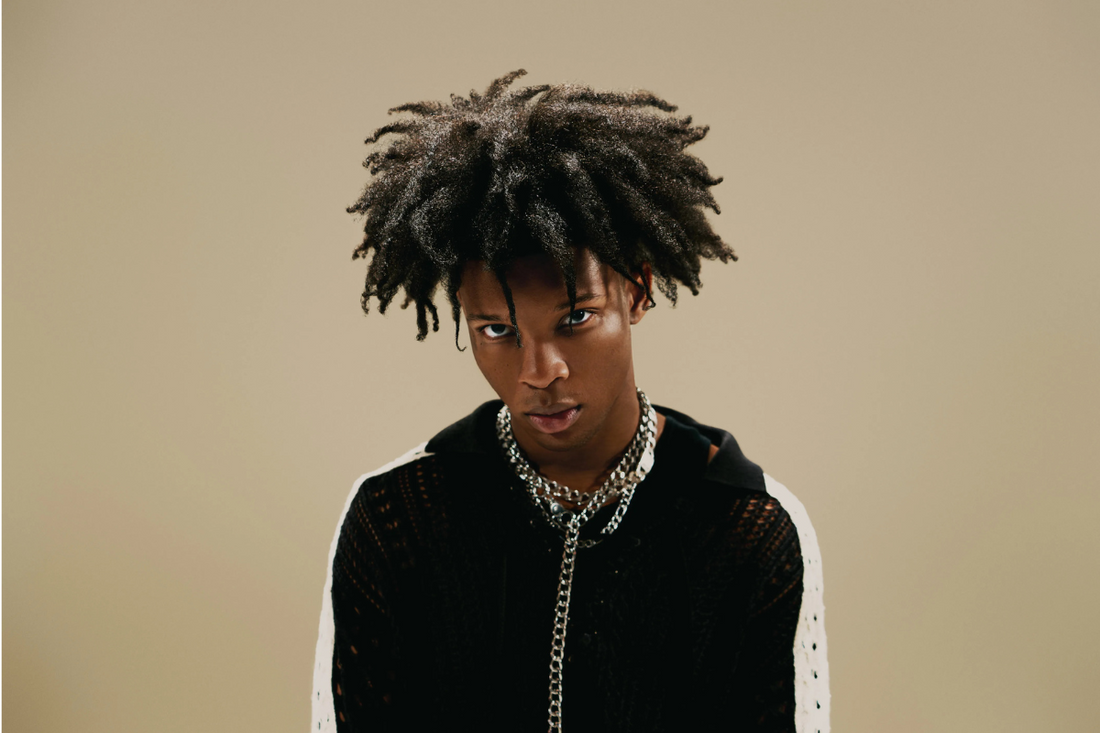
If you're a fan of d4vd’s emotional, ambient vocal style and want to recreate his signature sound in BandLab, you’re not alone. From viral hits like “Romantic Homicide” to atmospheric ballads like “Here With Me,” d4vd has carved a distinct sonic identity that's raw, reverberated, and melancholic. The good news? You don’t need a fancy studio to achieve a similar vibe — with the right d4vd vocal preset, a few mixing tips, and BandLab’s built-in tools, you can get astonishingly close.
In this guide, we’ll show you how to capture the d4vd vocal sound step by step in BandLab, using stock plugins and creative techniques. Whether you're just starting out or you've been producing for a while, this tutorial will help elevate your vocal mixes and give them that indie, shoegaze-inspired edge d4vd is known for.
Who Is d4vd and Why Is His Vocal Style So Popular?
David Burke, known as d4vd, is a genre-bending artist whose rise to fame came through TikTok and DIY bedroom recordings. He often records his vocals using minimal equipment — sometimes even just an iPhone — proving that emotion, style, and creativity matter more than expensive gear.
His vocals are drenched in reverb, layered with subtle delays, and often carry a lo-fi warmth that feels intimate and cinematic. The d4vd vocal preset aims to capture this mix of raw vulnerability and dreamy atmosphere.
What You’ll Need to Get Started in BandLab
Before we jump into mixing, make sure you have the following ready:
-
A quiet environment with minimal background noise
-
BandLab (free, browser-based DAW)
-
Headphones or studio monitors for accurate listening
-
Optional: A free or premium d4vd vocal preset from Cedar Sound Studios
Step 1: Start With a Clean Recording
Even though d4vd’s vocals sound lo-fi, they’re still clean and well-recorded. If your input has too much background noise, hiss, or poor articulation, no preset will fix it.
Tips for a clean vocal take in BandLab:
-
Use the “Noise Gate” feature to eliminate background noise.
-
Sing 6–12 inches from the mic.
-
Record multiple takes and comp the best ones together.
-
Use a pop filter if possible.
Step 2: Apply a d4vd Vocal Preset in BandLab
This is where the magic starts. Using a d4vd vocal preset simplifies your workflow by giving you a professionally mixed chain of effects with one click. You can find genre-specific or artist-inspired presets for BandLab, and many of them are free or low-cost on Cedar Sound Studios .
A typical d4vd vocal preset includes:
-
EQ: Cuts low-end rumble and boosts high-mids for presence
-
Compression: Smooths out volume inconsistencies
-
Reverb: A long decay time for dreamy, ambient space
-
Delay: Subtle slap or quarter-note delay for depth
-
Saturation: Adds analog-style warmth
-
De-esser: Controls harsh “S” and “T” sounds
Once the preset is loaded:
-
Drag and drop it onto your vocal track.
-
Tweak the wet/dry mix to your taste.
-
Save it as your custom “d4vd BandLab Preset” for future use.
Step 3: Shape the Tone with EQ
To get the d4vd sound, focus on shaping the tone of your vocal:
-
High-pass filter: Cut everything below 80Hz to remove low-end mud.
-
Mid cut: If your vocal sounds boxy, cut around 300–500Hz.
-
High boost: Gently boost around 6–8kHz for clarity and shimmer.
BandLab’s parametric EQ makes it easy to visualize and tweak these frequencies. Use your ears, not just your eyes.
Step 4: Add Compression for Control
d4vd’s vocal delivery is dynamic — soft in some parts, powerful in others. Use a compressor with:
-
Threshold: Around -20 dB
-
Ratio: 3:1 or 4:1
-
Attack: 10–30ms (to preserve transients)
-
Release: 50–100ms (to smooth out)
This keeps your vocal front and center without squashing it.
Optional: Parallel Compression
To add thickness without losing dynamics, duplicate your vocal track and compress it more heavily. Blend it in just enough to feel the body without overdoing it.
Step 5: Drench in Reverb (But Tastefully)
This is where the d4vd aesthetic really takes off. Reverb creates that haunting, spacious sound that defines his vocal tone.
BandLab’s built-in reverb settings should include:
-
Reverb Type: Hall or Plate
-
Decay Time: 2.5–4 seconds
-
Pre-delay: 20–50ms (for clarity)
-
Wet/Dry Mix: 25–35%
Don’t be afraid to push the envelope a little. d4vd's vocal trails often linger, which adds to the emotional weight of his songs.
Step 6: Use Delay for Space and Movement
Use a subtle stereo delay to widen the vocal space. A quarter-note delay synced to your song’s tempo works well. Keep feedback low and mix around 10–15%.
Pro tip:
Pan the delayed signal slightly left or right and filter out lows and highs using a band-pass filter. This keeps the delays tucked in the background while adding space.
Step 7: Add Saturation and Texture
While BandLab doesn’t have a dedicated saturation plugin, you can use Drive or Enhancer effects to simulate it.
-
Slight tape-style warmth helps replicate d4vd’s retro shoegaze vibe.
-
Increase gain slowly until you hear coloration, not distortion.
If you’re using a d4vd vocal preset, this step is already dialed in.
Step 8: Final Touches and Automation
To polish the mix:
-
De-Ess: Tame harsh frequencies around 5–8kHz.
-
Volume Automation: Keep vocals level throughout.
-
Stereo Widening: Apply it subtly to backing vocals, not the lead.
-
Limiter: Use on the master bus to catch peaks and raise perceived loudness.
If you're layering vocals (which d4vd sometimes does), consider pitching one layer slightly lower or using formant shifting to create that ghostly double effect.
Bonus: Make Your Own d4vd Vocal Preset in BandLab
Once you’ve dialed in the perfect sound, save it!
Here’s how:
-
Click on the FX chain you’ve built.
-
Select “Save Preset” and name it “d4vd Vocal Preset.”
-
Now you can recall it for future projects instantly.
This turns hours of mixing into a one-click workflow.
Free d4vd Vocal Presets and Samples
Want to skip the guesswork? Cedar Sound Studios offers free and premium presets specifically designed to capture artist-inspired styles, including shoegaze, bedroom pop, and indie rock — all genres d4vd draws from.
These presets use only BandLab-compatible stock plugins, so you won’t have to install third-party tools. Plus, they come with step-by-step guides so even beginners can use them confidently.
Check out:
Final Thoughts: Capture the Emotion, Not Just the Sound
At the heart of d4vd’s music is emotion. No preset or plugin can replace raw, honest delivery. Use presets as tools to help your voice shine, not to mask it.
With BandLab and a solid d4vd vocal preset, you can craft vocal performances that sound emotional, ambient, and professional — right from your bedroom.